
ERP & physical registers
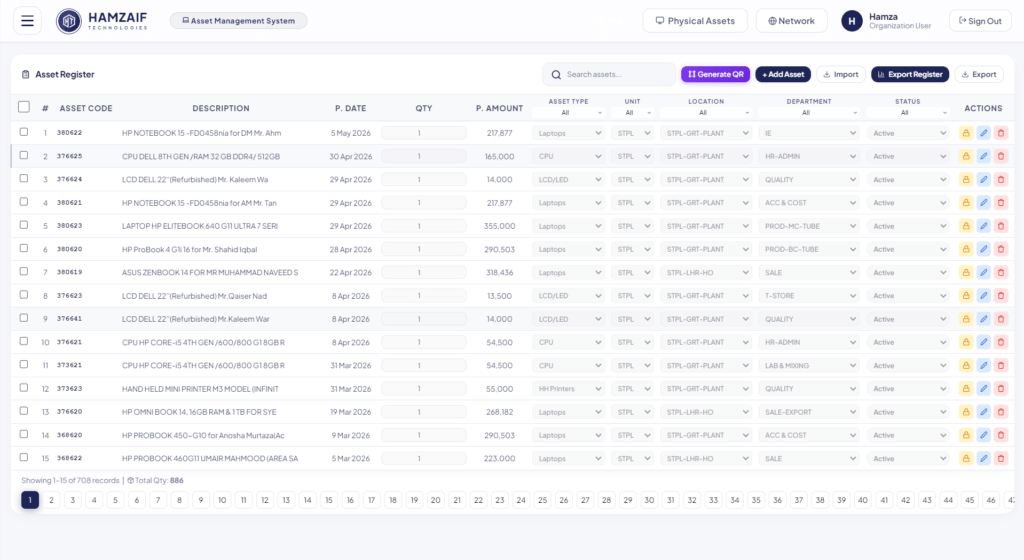
Import your register from Excel with duplicate checks and a preview.
Every device and asset, tracked in one place
HamZaif Asset Management keeps a complete record of every laptop, PC, printer, camera and piece of equipment in your organisation. Match your ERP register with what is really on the floor, tag assets with QR labels, handle IT support tickets and stock, plan maintenance and build reports in a few clicks. It runs fully offline on Windows, with the data on your own computer.
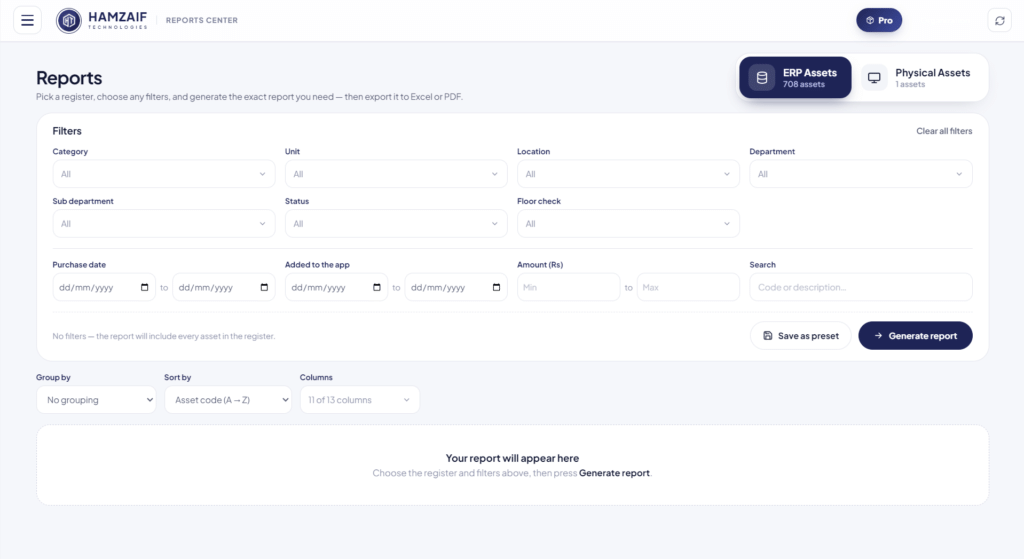
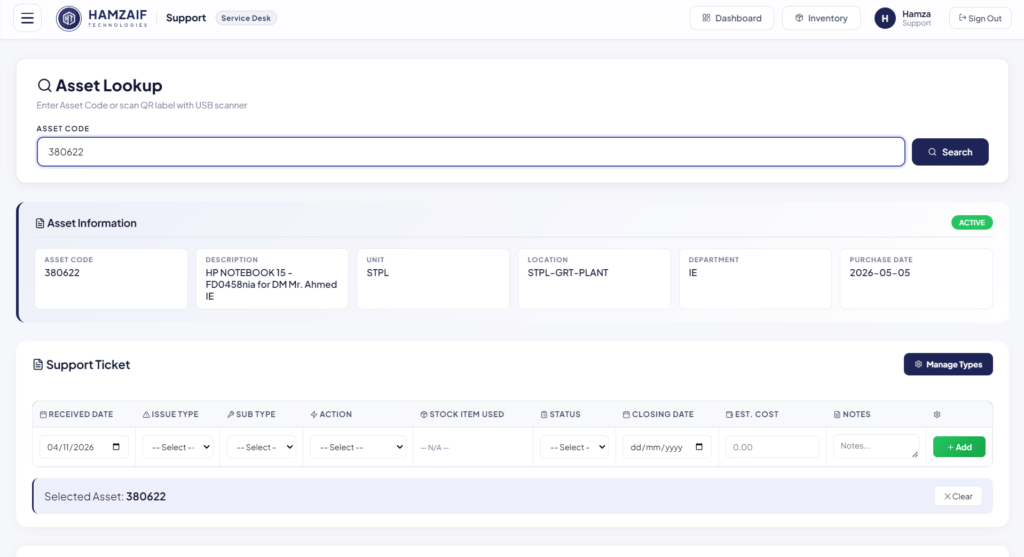
ERP and physical registers, QR labels, IT tickets, maintenance and a report builder, all fully offline.
Import your register from Excel with duplicate checks and a preview.
Print QR tags and scan to open any asset instantly.
Reconcile the ERP register with what is really on the floor.
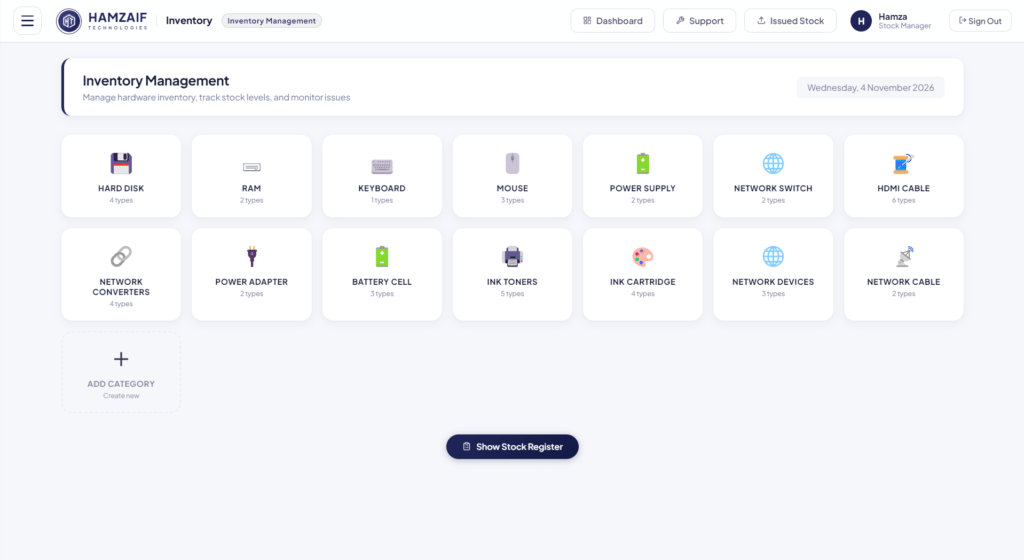
Stock in and out, with every movement recorded.
Log issues, issue stock to a ticket and track resolution.
Plan service, record repairs and keep the history.
Every supplier, purchase and warranty in one list.
See the age, value and life stage of every asset.
Filter, group and sort, then export to Excel or PDF, and save presets.
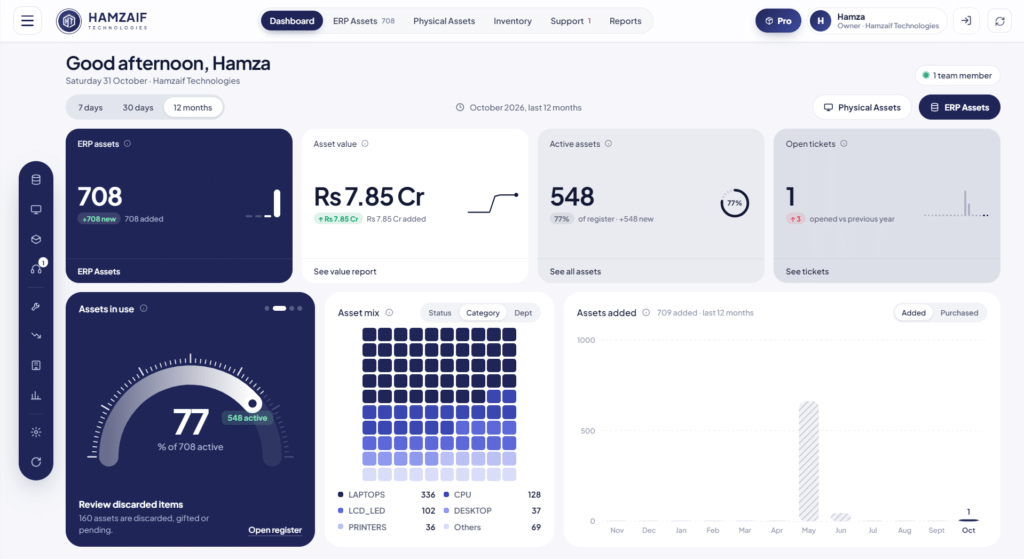
KPI cards, speedometer, charts and asset mix at a glance.
Many users, with one main computer serving the office.
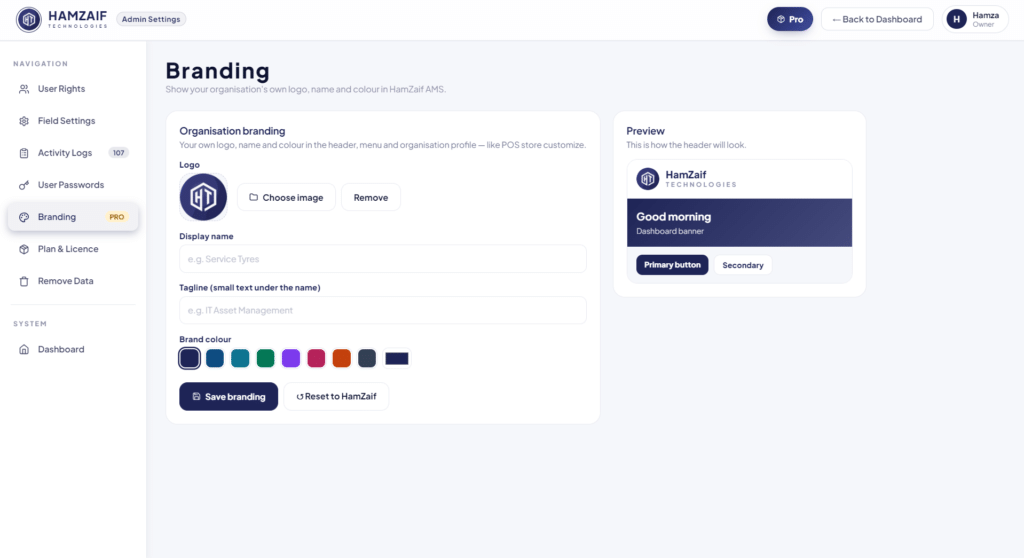
Your logo, name and colour across the app.
Every device and asset, tracked in one place. Built and supported by HamZaif Technologies in Gujrat, with installation and training included.
Get a quoteWe install HamZaif AMS on your computer, fully offline.
Bring in your ERP asset list from Excel in minutes.
Print QR labels and check every asset on the floor.
Tickets, maintenance and reports from one dashboard.
No. HamZaif AMS runs fully offline on your own Windows computer, so your asset data never leaves the office.
Yes. Import from Excel or CSV in the same layout as the register; duplicates are rejected and shown before saving.
Yes. With Pro, one main computer serves the office and more than 3 users can work together.
Tell us a little about your business. We'll show you a live demo, suggest the right plan and send a clear written quote.
Only name and phone are required.